UX/UI · Digital Design · Content

I design digital experiences that connect people and create impact.

Based in Auckland, New Zealand, I combine user-centred design, content strategy, visual storytelling and responsive web thinking to help brands communicate clearly.

Line illustration of a designer working on a laptop

Design Thinking

How I approach UX/UI design.

I design with clarity, usefulness and business impact in mind. These principles guide how I shape interfaces, content and digital journeys.

User Centred

Start with user needs, pain points and real tasks before deciding the visual direction.

Clear Structure

Organise information so employers, customers and audiences can understand it quickly.

Consistent Systems

Use repeatable typography, spacing, components and visual patterns.

Accessible Thinking

Design readable, responsive experiences that are easier for more people to use.

Performance Aware

Keep layouts efficient, focused and practical for real web use.

Human Story

Bring emotion and meaning into digital content without losing clarity.

Skill Categories

What I bring to a creative or digital team.

01

UX/UI & Product Design

Figma, wireframes, hierarchy, responsive layouts, prototypes and user-centred interface thinking.

02

Brand & Graphic Design

Adobe Creative Suite, Photoshop, Illustrator, InDesign, typography, layout and brand consistency.

03

Content Creation

Scripting, filming, editing, YouTube storytelling, social content and educational video production.

04

Marketing & CRM

Mailchimp, Klaviyo, email design, campaign content, subscriber communication and performance review.

Selected Work

Haakaa YouTube content ecosystem.

A focused case study showing UX-informed content design, educational storytelling, SEO and analytics-led improvement.

Haakaa case study visual

My Role

Digital Content Creator responsible for research, content strategy, scripting, filming, editing, thumbnail design, publishing and performance review.

  • UX-informed thumbnail design
  • YouTube SEO and content planning
  • Educational video production
  • Analytics reporting and iteration
1.7M+Total Views
7.1%Average CTR
9.2KWatch Hours

Haakaa Main Highlight

Content Production Workflow

Every successful video follows a structured workflow combining UX thinking, educational storytelling, SEO optimisation and continuous performance improvement.

01

Research

Understand audience needs and identify opportunities.

  • Audience Research
  • Keyword Research
  • Competitor Analysis
  • Search Intent
  • User Pain Points
02

Content Strategy

Transform research into a measurable content plan.

  • Content Calendar
  • Educational Objectives
  • SEO Strategy
  • Target Audience
  • Evergreen Planning
03

Script Writing

Convert strategy into engaging educational stories.

  • AI-assisted Drafting
  • Story Structure
  • Hooks
  • Educational Framework
  • CTA Planning
04

Production

Capture professional educational content.

  • Camera Setup
  • Lighting
  • Audio
  • Product Demonstration
  • Talking Head Recording
05

Video Editing

Create an engaging viewing experience.

  • Premiere Pro
  • Motion Graphics
  • Colour Correction
  • Audio Mixing
  • Captions
  • Export
06

UX Thumbnail Design

Increase discoverability through UX thinking.

  • Visual Hierarchy
  • Colour Psychology
  • Typography
  • CTR Optimisation
  • A/B Thinking
07

Publishing

Optimise every upload before release.

  • SEO
  • Titles
  • Descriptions
  • Tags
  • Scheduling
  • End Screens
08

Analytics & Optimisation

Measure results and improve future content.

  • 1.7M+ Views
  • 7.6M Impressions
  • 7.1% CTR
  • 233% Subscriber Growth
  • Performance Reports
  • Continuous Improvement

Project 02

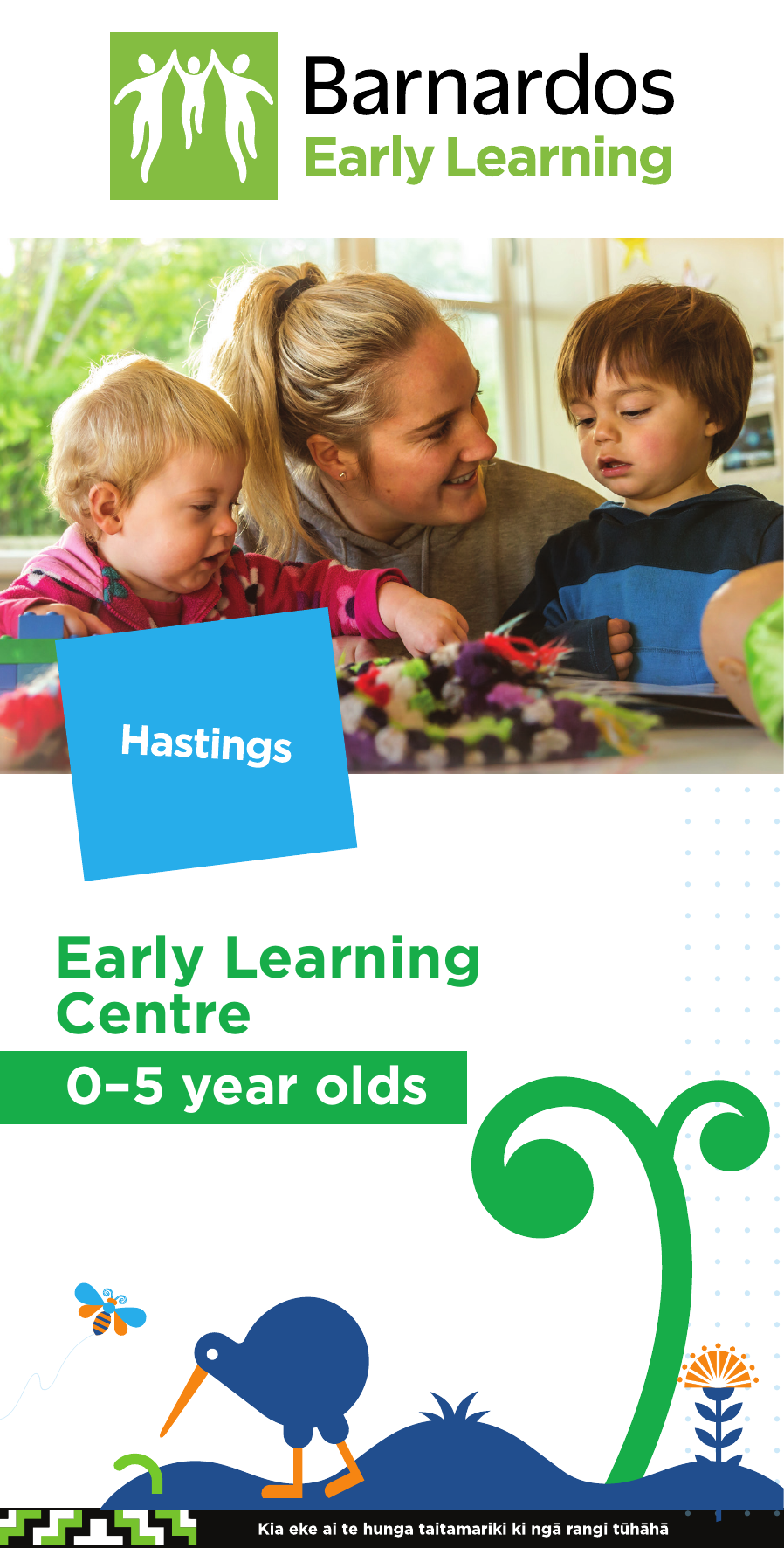
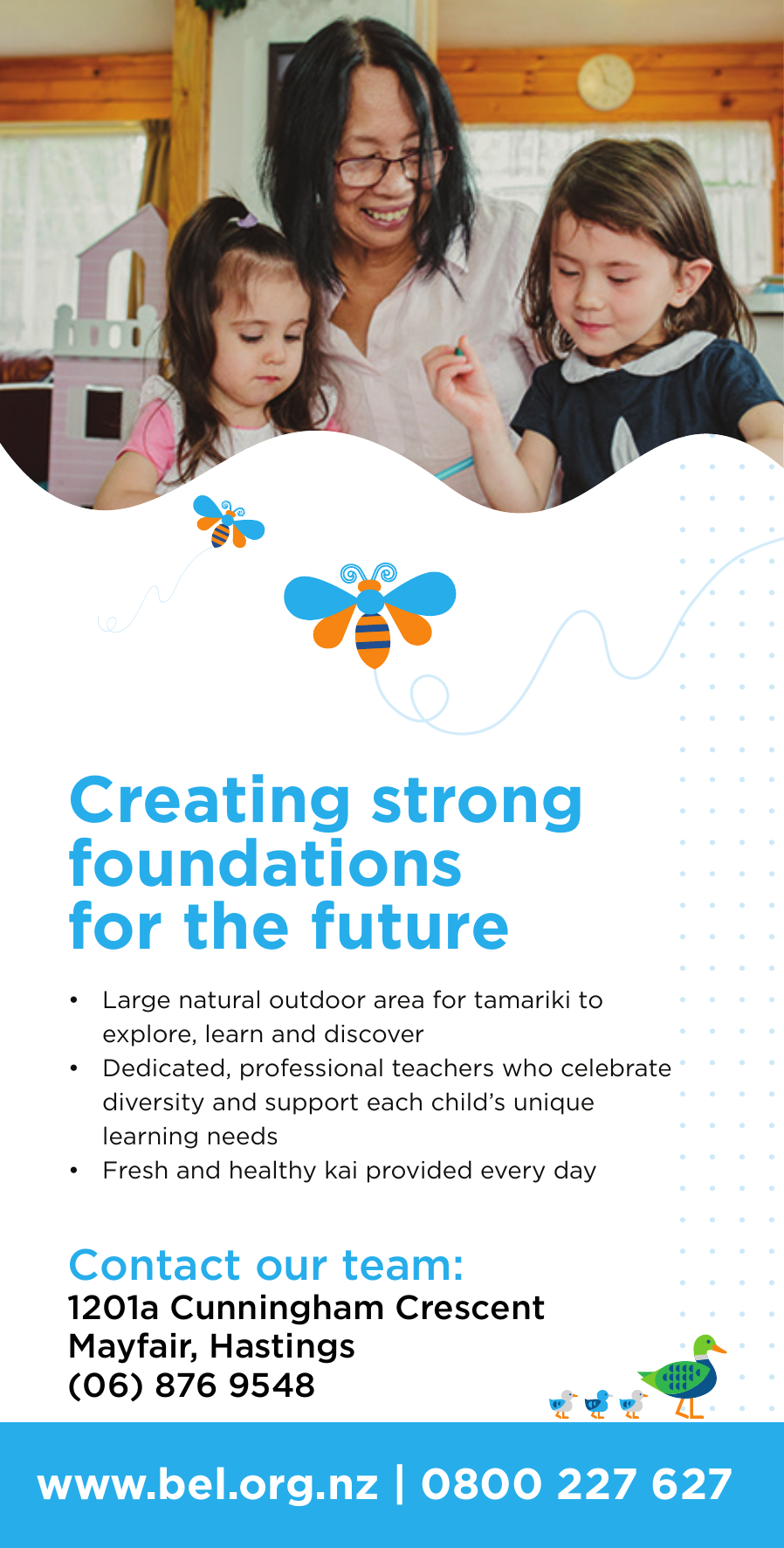
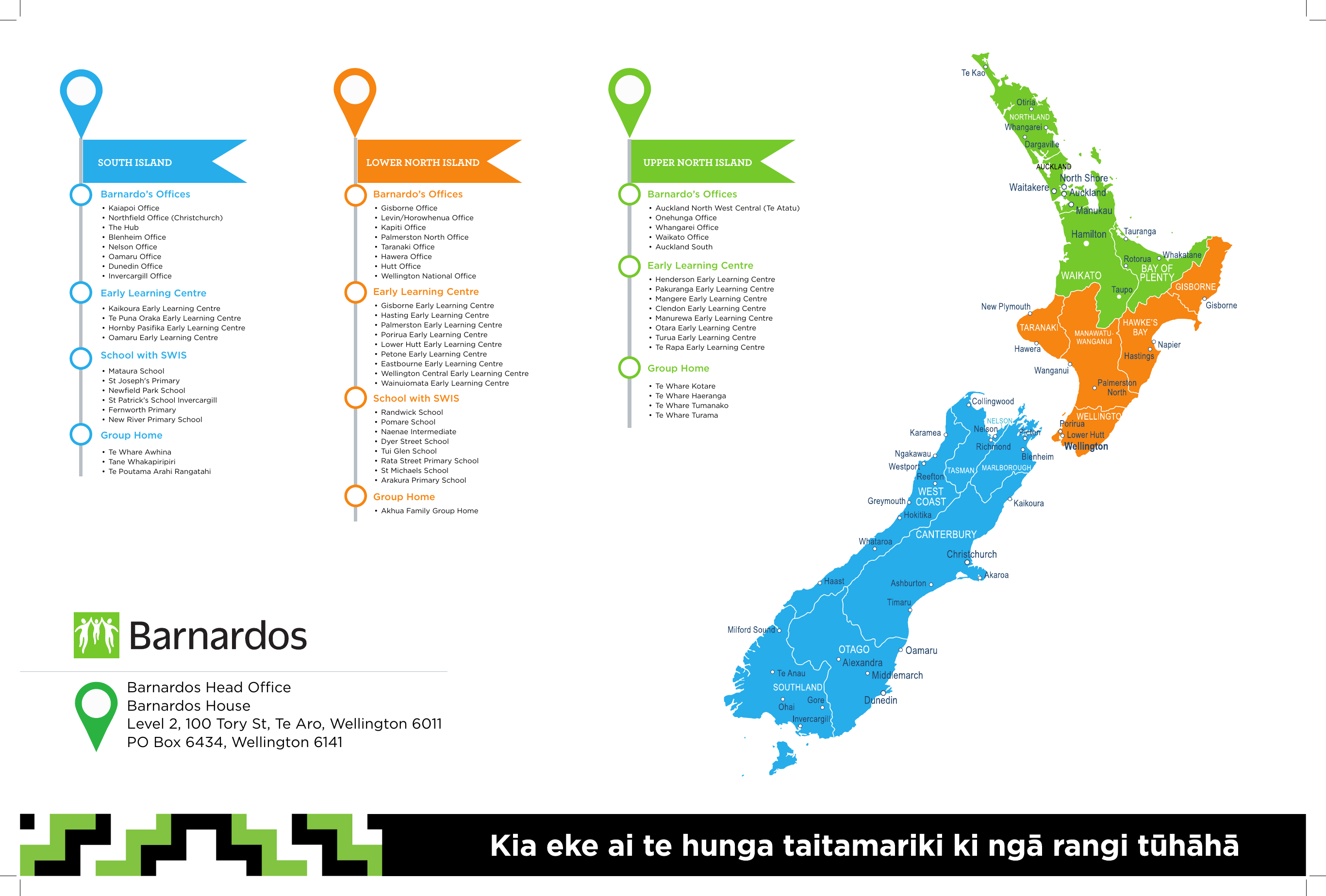
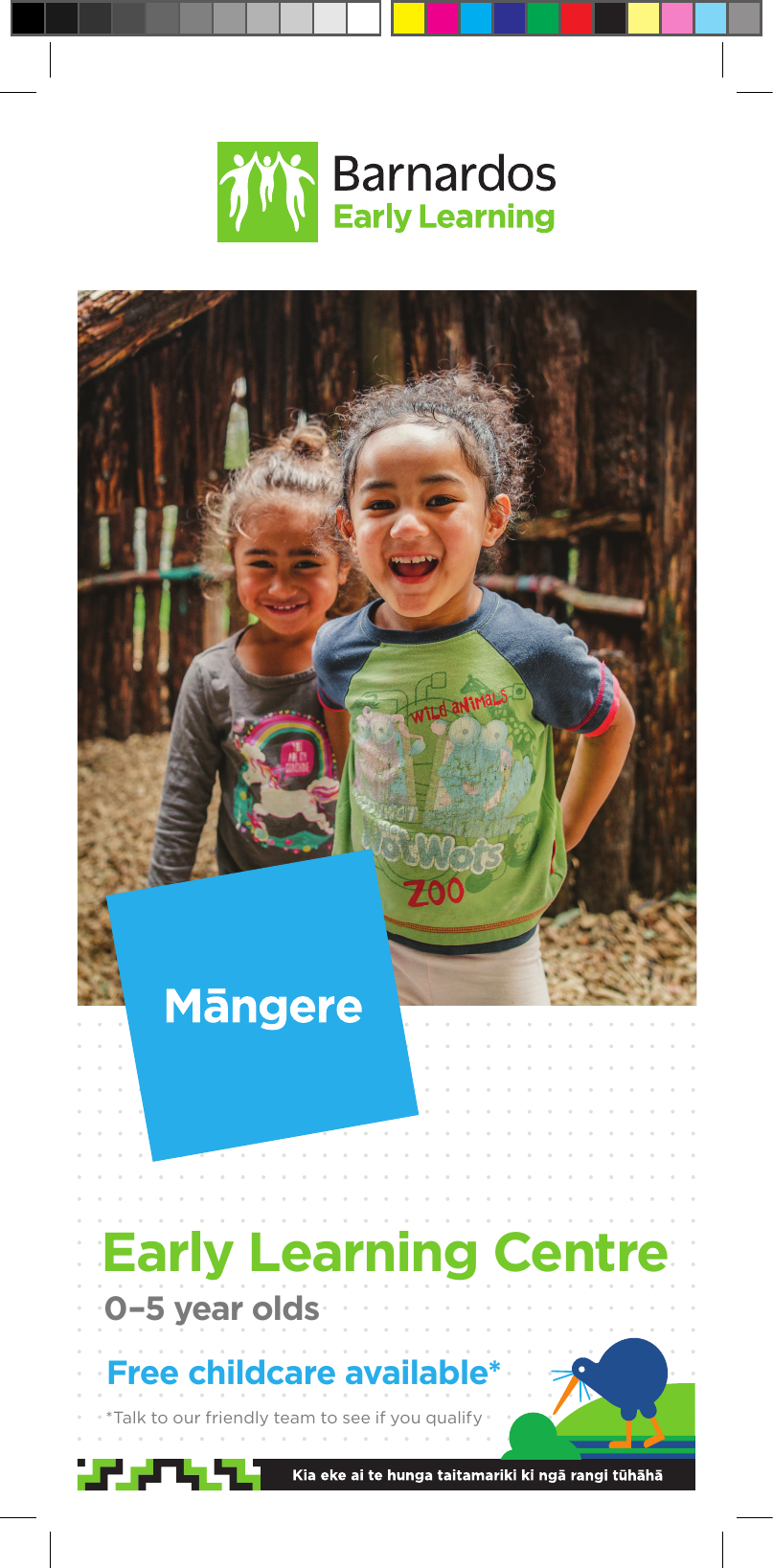
Barnardos New Zealand

Human-Centred Design for Community Impact

Designing for social impact through accessible, trustworthy and people-first communication design.

Human-Centred Design · Social Impact · Information Design

How thoughtful communication design can improve people's lives.

This work focuses on helping vulnerable families, children, donors and communities access important information through clear, empathetic and consistent visual communication.

Open Annual Report

Project Overview

Designing communication that builds trust.

Designed communication materials that helped Barnardos engage families, donors and communities through accessible, trustworthy and people-first visual communication.

Challenge

Communicate sensitive social issues while maintaining optimism, clarity and accessibility across multiple communication channels.

My Role

  • Graphic Design
  • Publication Design
  • Annual Report
  • Print Production
  • Information Design
  • Brand Consistency
Barnardos Annual Report project summary preview

Annual Report

A publication design project focused on clarity, trust and accessible storytelling.

Read PDF
Brand Palette
Growth
Trust
Clarity
Warmth

Communication Design Process

From complex information to clear public communication.

A social-impact design process focused on stakeholder needs, accessibility, production quality and consistent delivery across print and digital channels.

01

Research

Understand stakeholder needs and communication goals.

  • Stakeholder Needs
  • Audience Context
  • Content Requirements
  • Brand Guidelines
02

Information Architecture

Organise complex information into readable structures.

  • Content Grouping
  • Message Priority
  • Reader Flow
  • Clear Navigation
03

Wireframing

Plan publication layouts before final design.

  • Page Structure
  • Grid Planning
  • Content Placement
  • Visual Flow
04

Visual Design

Create accessible, empathetic and brand-aligned design.

  • Typography
  • Grid Systems
  • Readable Spacing
  • Accessibility
05

Production

Prepare final assets for print and digital delivery.

  • Print Artwork
  • Digital Exports
  • Quality Assurance
  • File Preparation
06

Delivery

Prepare the annual report for final review, export and publishing.

  • Annual Report
  • Print Files
  • Digital PDF
  • Final QA

Annual Report Design Highlight

Magazine-style publication design.

A focused showcase of my graphic design skills through one strong publication piece: layout, typography, hierarchy, brand consistency and production-ready detail.

Barnardos magazine-style annual report cover Annual Report Open the full PDF
Typography

Readable type systems for long-form content.

Layout Grid

Structured pages that guide attention clearly.

Information Design

Complex reporting made easier to scan.

Production

Prepared for professional print and digital delivery.

Accessibility

Large typography, readable spacing and WCAG-aware decisions helped important information feel easier to access.

Information Hierarchy

Clear structure helped busy readers understand complex community information quickly and confidently.

Emotional Design

Difficult stories were communicated with empathy, care and optimism rather than sensationalism.

Consistency

Barnardos brand guidelines were maintained across annual reports, campaign assets, print and digital materials.

This project strengthened my understanding that good design isn't simply about aesthetics. It's about helping people access information, building trust, and supporting meaningful social outcomes through clear and empathetic communication.

Project 03

Humanised Mind

Web Design & Front-End Development

A service-based website case study showcasing HTML, CSS, JavaScript, responsive layout thinking and CMS platform knowledge.

HTML · CSS · JavaScript · CMS Knowledge

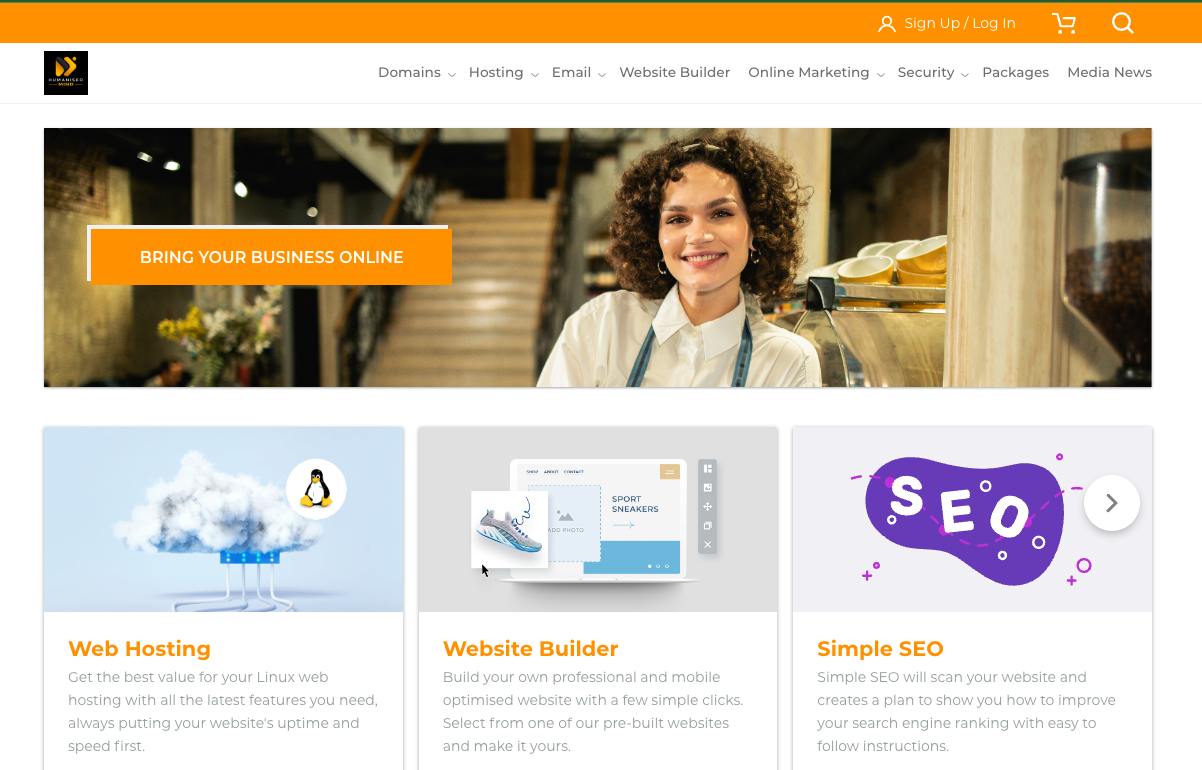
Designing a clear digital storefront for hosting, domains and online services.

Humanised Mind presents business web services including domains, hosting, email, website builder, SEO, analytics and online packages. The portfolio focus is on structuring service information so users can scan, compare and move toward action quickly.

View Live Site
humanisedmind.com
Humanised Mind logoDomains Hosting Email SEO
Bring Your Business Online

Domains, hosting and digital tools for small businesses.

View Plans
Hosting
Domains
Email

Project Overview

Building clarity into a service-heavy website.

The website needed to communicate multiple technical services in a way that felt approachable to business owners and first-time website customers.

My Web Skill Focus

  • HTML structure
  • CSS layout and responsive styling
  • JavaScript interaction awareness
  • CMS and website builder knowledge
  • Service page content hierarchy
  • Navigation and call-to-action design

Web Design Process

From service information to a usable website experience.

A practical web workflow focused on content structure, responsive design, front-end implementation and CMS-ready delivery.

01

Content Audit

Understand services, user needs and business goals.

  • Service Mapping
  • Audience Needs
  • Page Priorities
  • CTA Review
02

Information Architecture

Organise domains, hosting, email and marketing services.

  • Navigation Structure
  • Service Grouping
  • User Pathways
  • Comparison Flow
03

Front-End Build

Translate the interface into responsive web components.

  • HTML Sections
  • CSS Grid
  • Reusable Cards
  • Responsive Breakpoints
04

Interaction

Support simple actions and clear movement through the site.

  • Menus
  • Buttons
  • Hover States
  • Link Behaviour
05

CMS Awareness

Design content so it can be maintained in a platform.

  • Editable Content Blocks
  • Service Listings
  • Website Builder Logic
  • Scalable Page Sections
06

Responsive QA

Check readability and usability across screen sizes.

  • Desktop Layout
  • Tablet Behaviour
  • Mobile Navigation
  • Spacing Checks

Service Architecture

Grouped technical products into clearer service pathways for business users.

Responsive Layout

Designed with reusable sections, cards and mobile-friendly hierarchy in mind.

Conversion Clarity

Focused on visible calls to action such as viewing plans, registering domains and contacting support.

CMS Thinking

Structured content so services, pricing and support details can be updated cleanly over time.

This project highlights my ability to connect visual design with practical front-end implementation, turning service-heavy content into a website experience that is easier to understand, maintain and use.

Work In Progress

Kanto Talks

Community storytelling platform for Filipinos in New Zealand.

A developing project focused on promoting Filipino entrepreneurs, professionals and community leaders through YouTube content, media features and a dedicated website.

Community Media · YouTube · Website · Content Strategy

Spotlighting Filipino success stories in Aotearoa.

Kanto Talks features interviews, collaborations and media coverage that document the journeys of Filipino entrepreneurs and professionals building businesses, careers and community impact in New Zealand.

View Website
Kanto Talks YouTube channel banner
Kanto TalksFilipino entrepreneurs and professionals in NZ
Interviews
Media
Community

Project Purpose

Building visibility for Filipino excellence.

Along with the team, I am involved in developing a platform that celebrates Filipino founders, professionals, creatives and community voices across New Zealand.

My Contribution

  • Content planning
  • Community storytelling
  • Website structure
  • YouTube channel support
  • Media presentation
  • Digital brand consistency

Platform Building Process

From community stories to a growing digital channel.

This work is still evolving, so the process focuses on building the foundation: identifying stories, producing content, publishing consistently and improving the platform over time.

01

Community Research

Identify Filipino entrepreneurs, professionals and stories worth sharing.

  • Guest Discovery
  • Community Relevance
  • Story Angles
  • Audience Value
02

Interview Planning

Shape conversations around journey, challenges and lessons.

  • Topic Planning
  • Question Flow
  • Founder Stories
  • Professional Insights
03

Content Production

Support video content for YouTube and social distribution.

  • Video Planning
  • Channel Assets
  • Thumbnails
  • Publishing Support
04

Website Development

Build a website home for videos, media and contact.

  • Page Structure
  • Media Sections
  • Responsive Layout
  • Contact Flow
05

Promotion

Share stories across digital and community channels.

  • Social Posts
  • Media Features
  • Collaborations
  • Community Reach
06

Iteration

Improve the platform as the audience and content library grow.

  • Content Review
  • Website Updates
  • Audience Feedback
  • Future Features

Representation

Creates visibility for Filipino talent, leadership and success in New Zealand.

Content Platform

Combines YouTube storytelling with a website hub for media and contact.

Community Building

Connects entrepreneurs, professionals and viewers through shared stories.

Growing Project

Designed to evolve as more interviews, collaborations and media features are added.

Kanto Talks is a meaningful work in progress because it brings together my skills in storytelling, digital content, website thinking and community advocacy while celebrating Filipino voices in Aotearoa New Zealand.

Education

Formal design education with practical digital experience.

Auckland University of Technology

Master in Design · Level 9

Media Design School

Graphic Design · Level 7

Ateneo de Manila University

Master in Business Administration · Level 9

Open to Opportunities

Let’s talk about UX/UI, digital design or content roles.

I am interested in roles where I can combine design thinking, storytelling and practical digital execution.

This opens your email app to send the message directly.